GameSir Nova Lite Wireless Gamepad Controller with Bluetooth, Dongle, Wired for
SPECIFICATIONS
ABXY Switch Type: Membrane
Battery Included: No
Brand Name: GameSir
Certification: CE,FCC,RoHS,weee
Choice: yes
Compatible Brand/Model: Nintendo
Compatible Nintendo Model: Nintendo Switch,Nintendo Switch OLED,Nintendo Switch Lite
Compatible Platform: Nintendo Switch,PC,Android,iOS,steam
Hall Effect: Yes
High-concerned chemical: None
Interface Type: USB,Bluetooth,2.4G
Joystick Sensor Module Brand/Type: K-SLIVER
Model Number: Nova Lite
Origin: Mainland China
Package: Yes
Trigger Button Type: Hall-Linear
Type: Gamepads
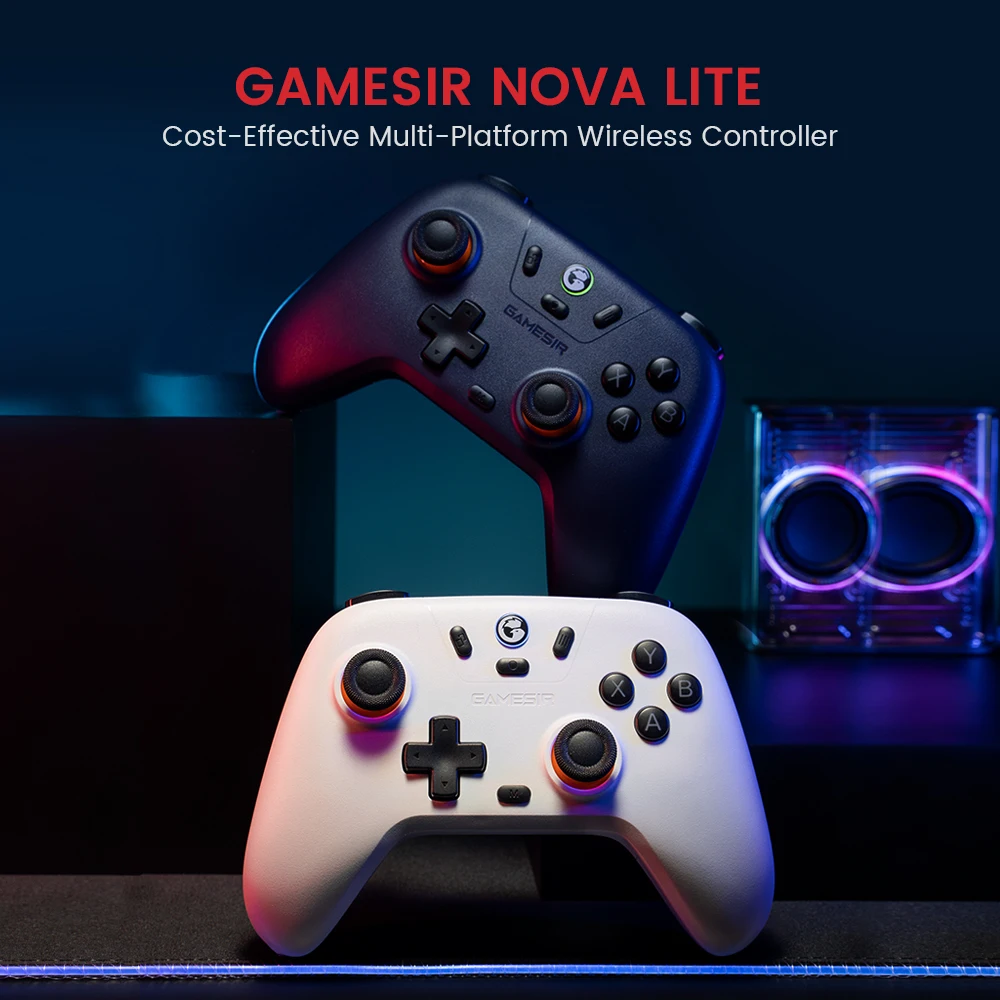
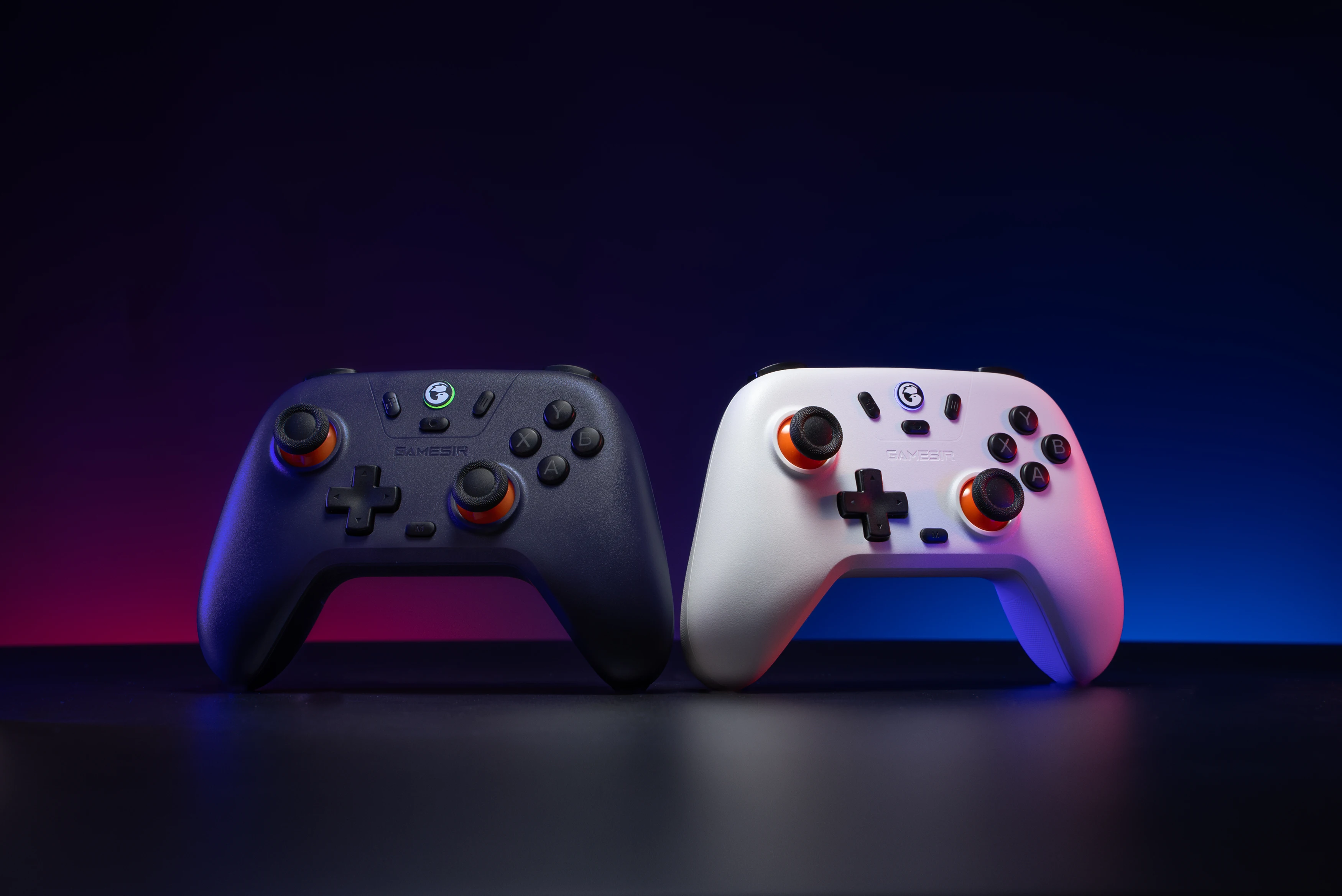
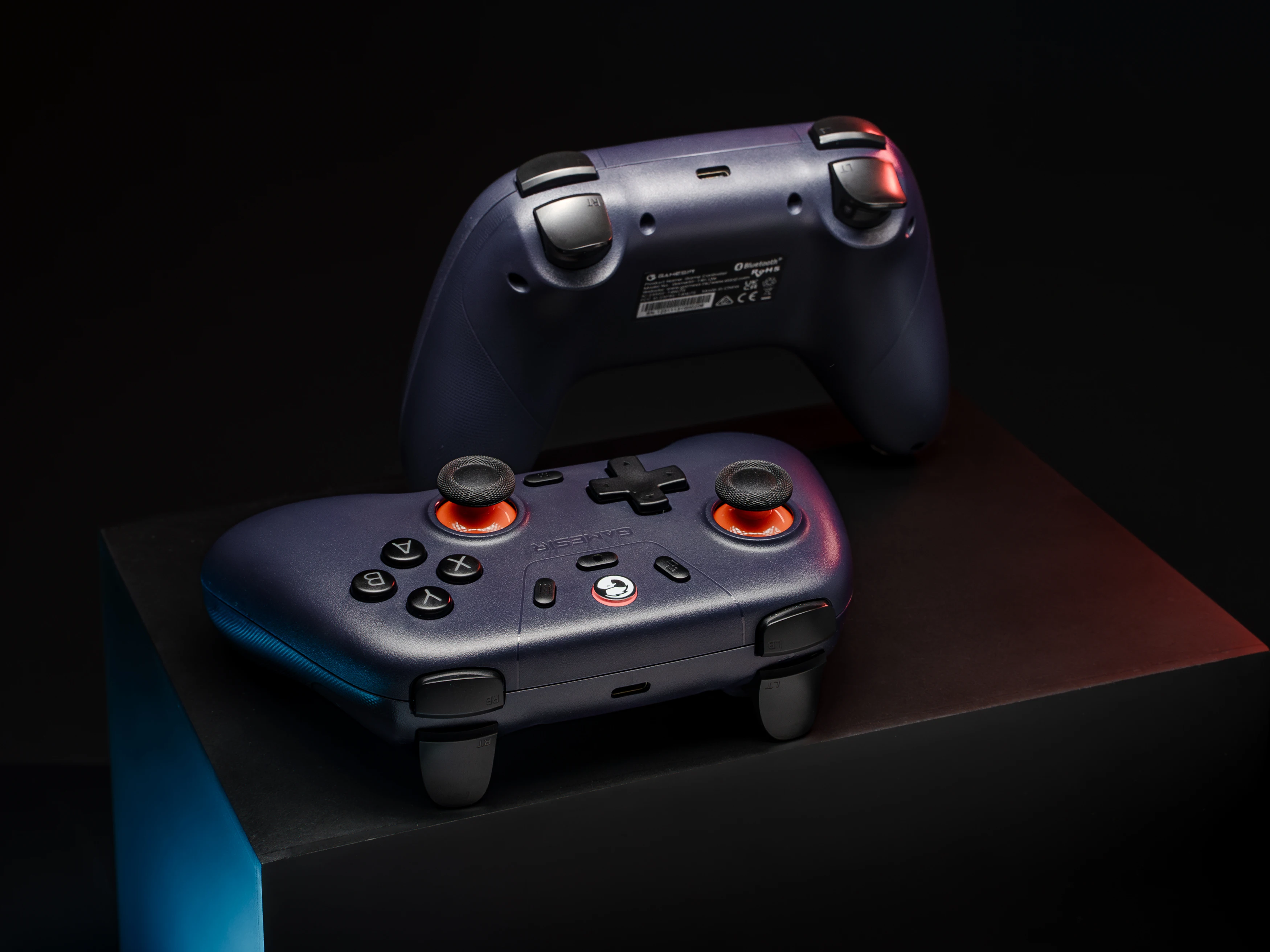
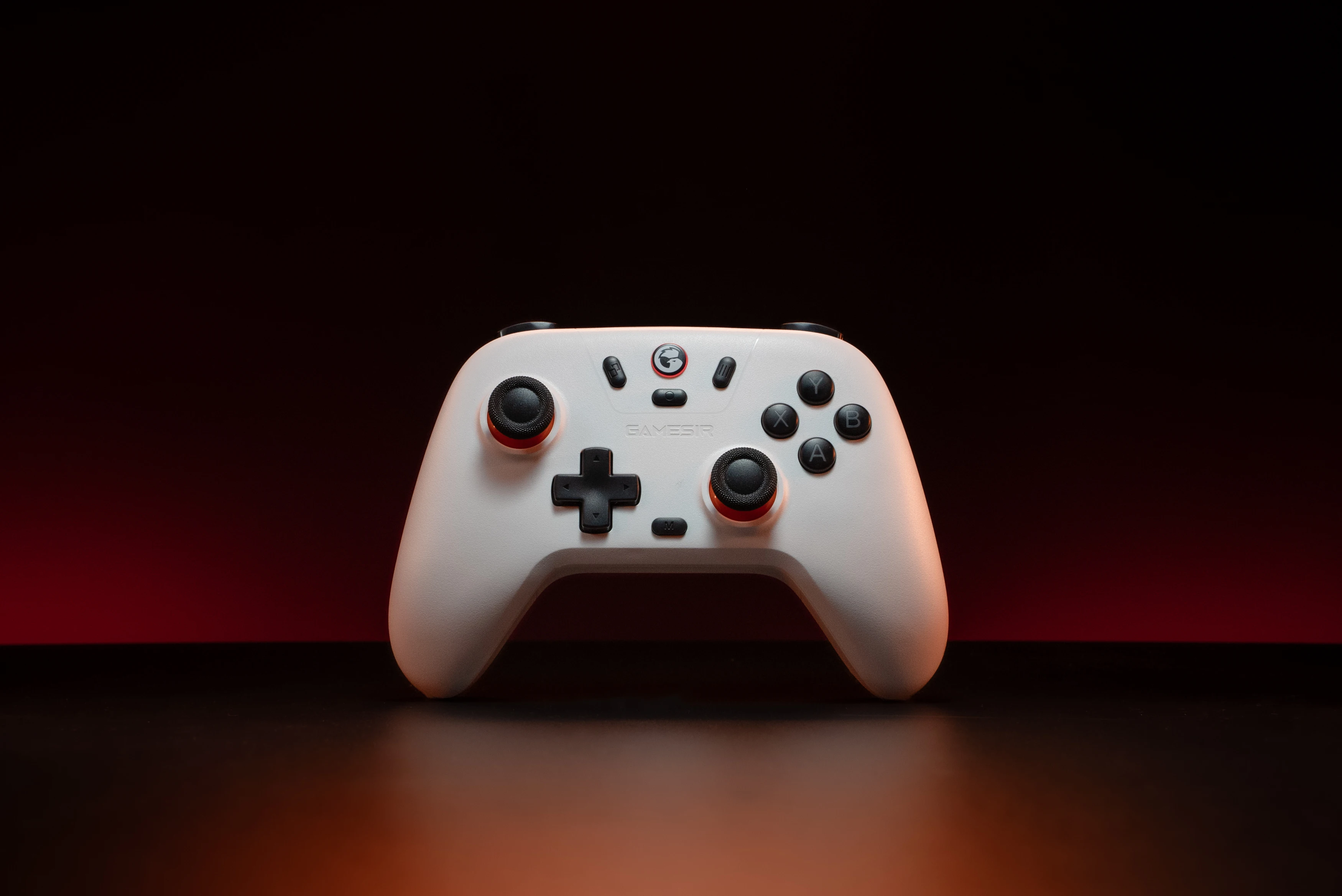
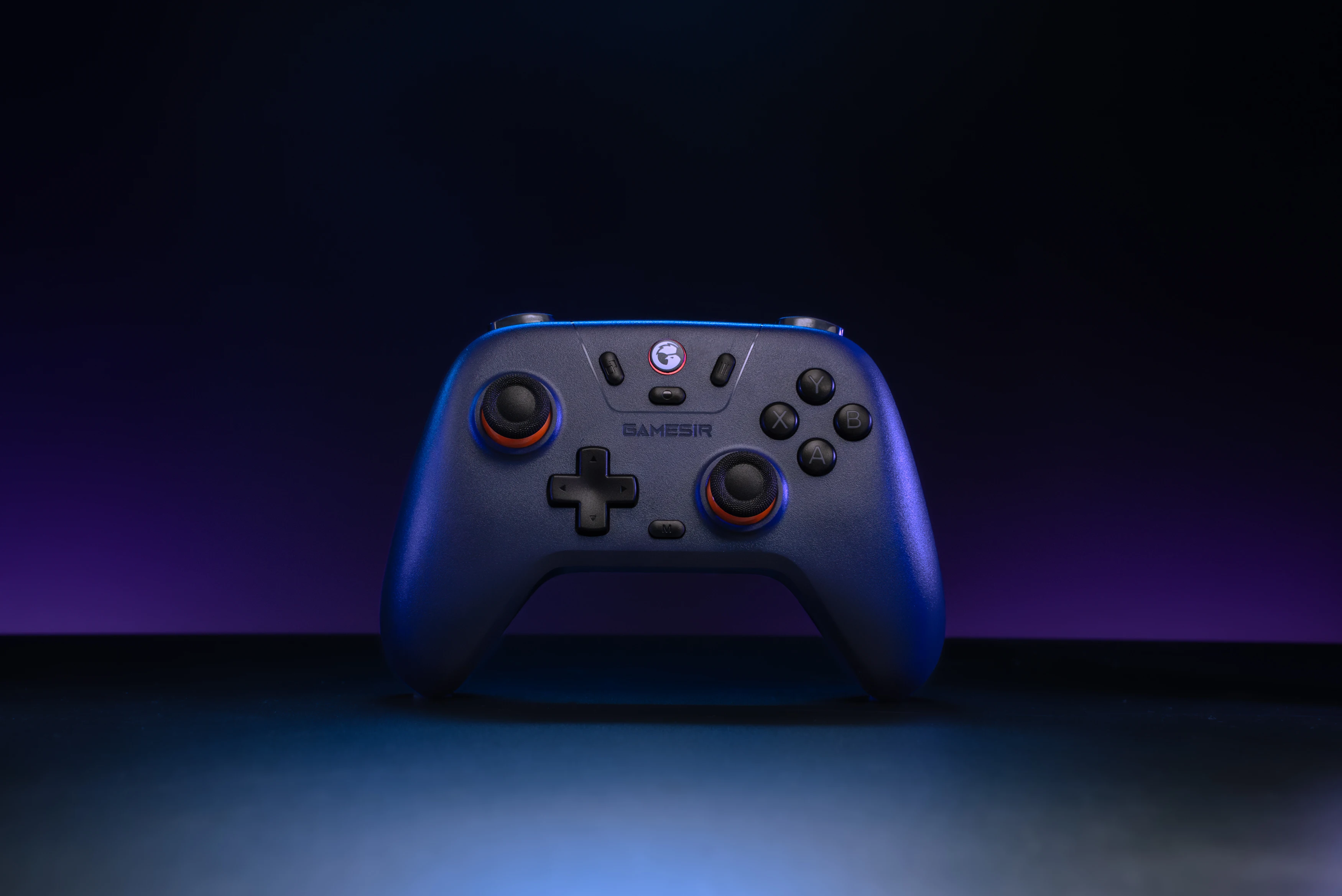
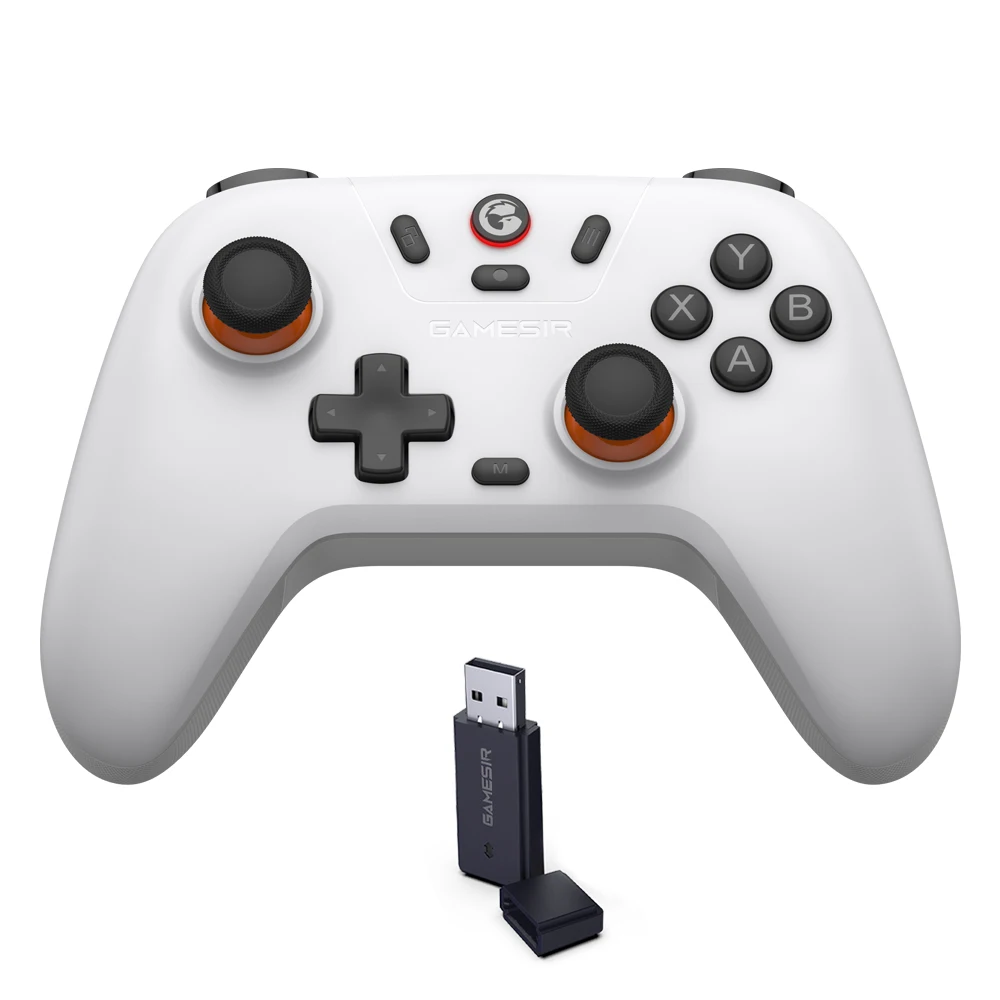
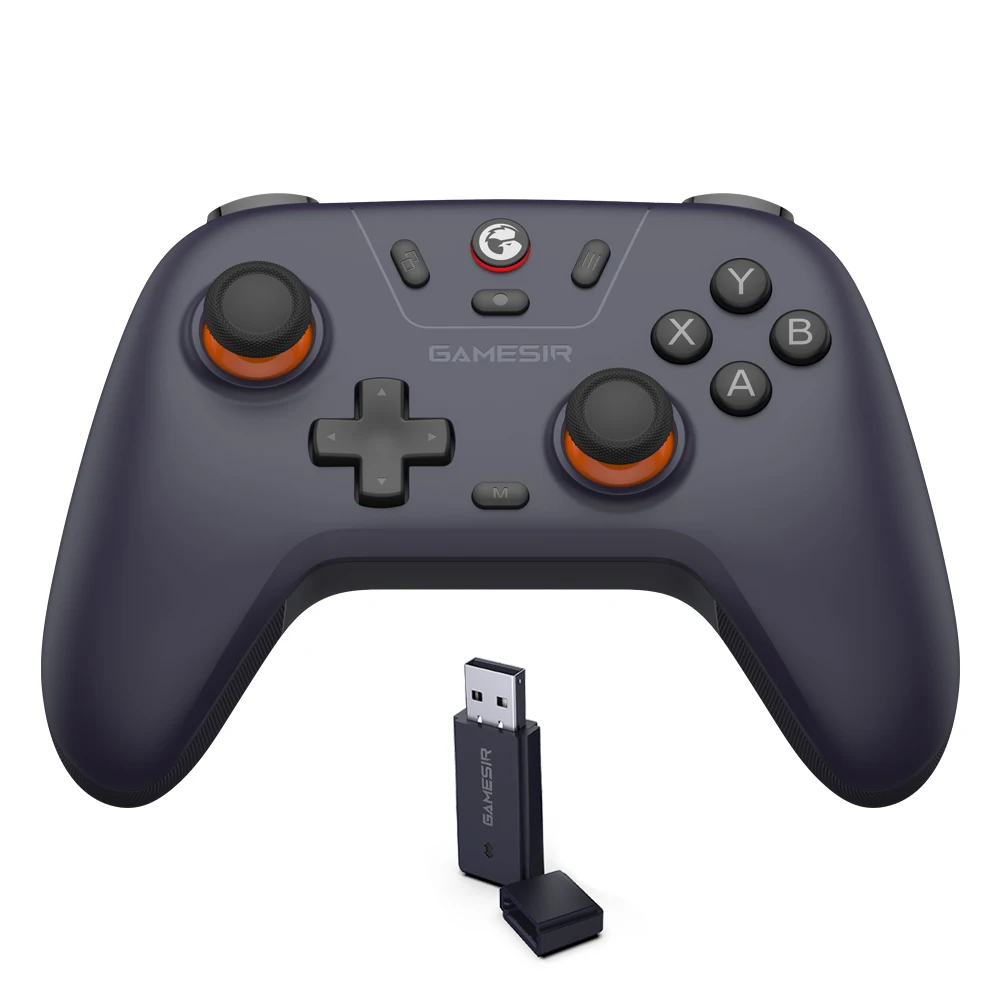
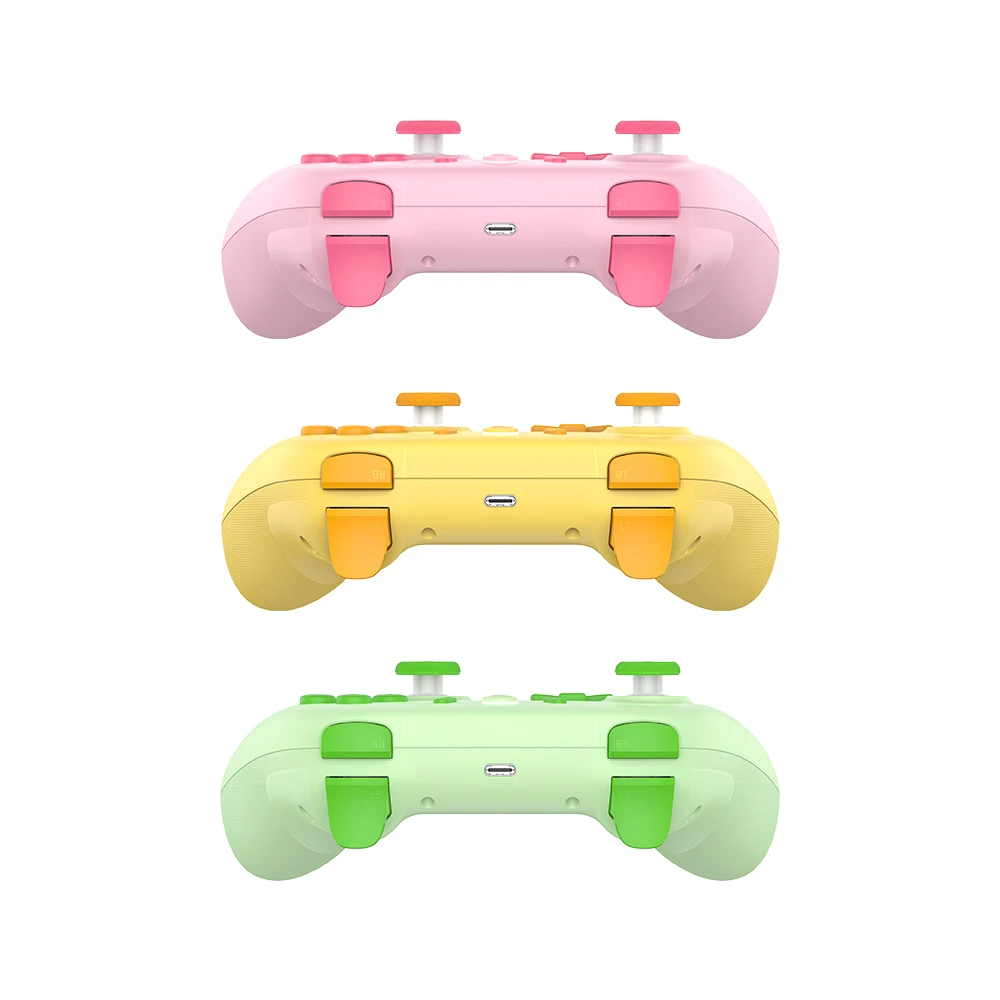
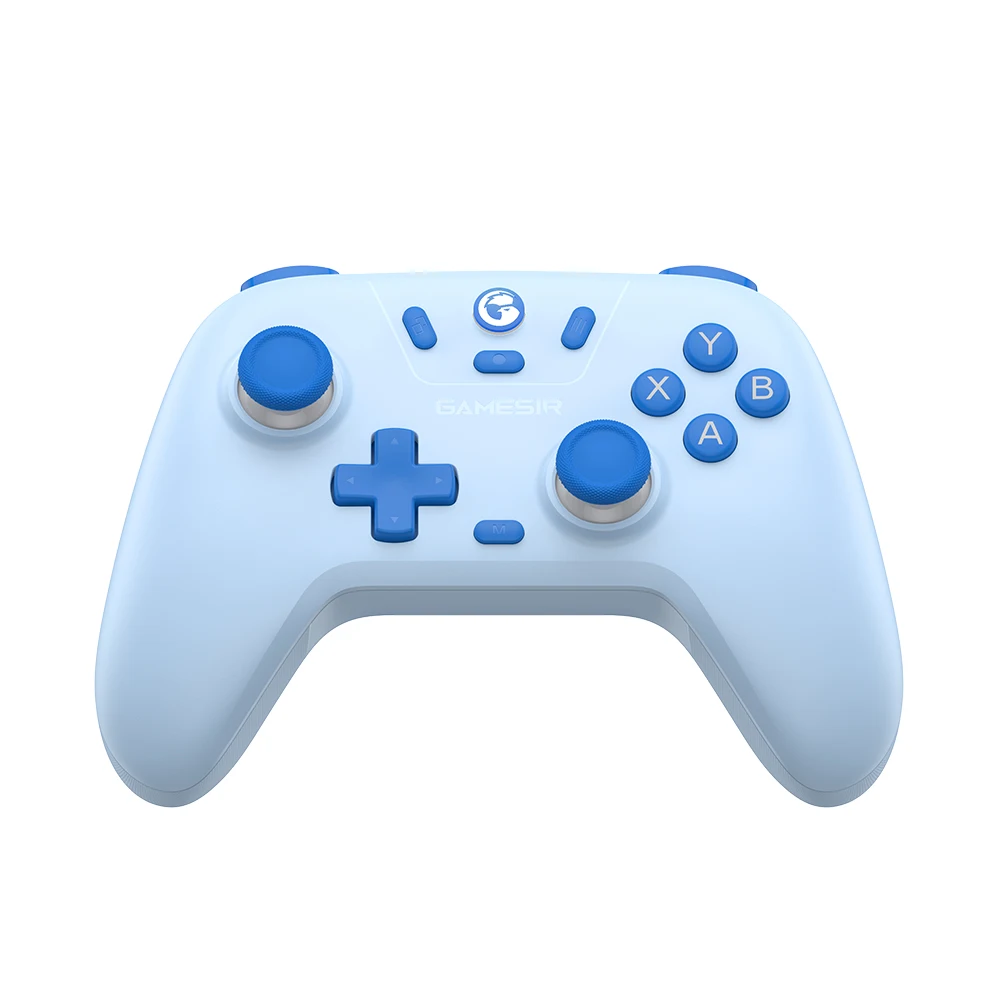
GameSir Nova Lite equips Hall Effect sticks, ensuring a long lifespan of the controller, say goodbye to stick drift. Featuring analog triggers, 20Hz Turbo function, and 2 motor in the grips, Nova Lite commits to cater to gamers’ requirements with an super-affordable price, and gamer’s also have the option to choose between two colorways: Stellar White or Space Purple.
Anti-drift GameSir™ Hall Effect sticks: Engineered for precision and anti-drift stick performance, the GameSir™ Hall Effect sticks even provide more consistency and smoothness to maximize your performance, thanks to specially optimized algorithms.
Multi-platform compatibility: Compatible with PC, Steam, Switch, iOS and Android devices, GameSir Nova Lite provides the most smooth and ultimate gaming experience with less latency. Embrace true cross-platform gaming with this versatile controller.
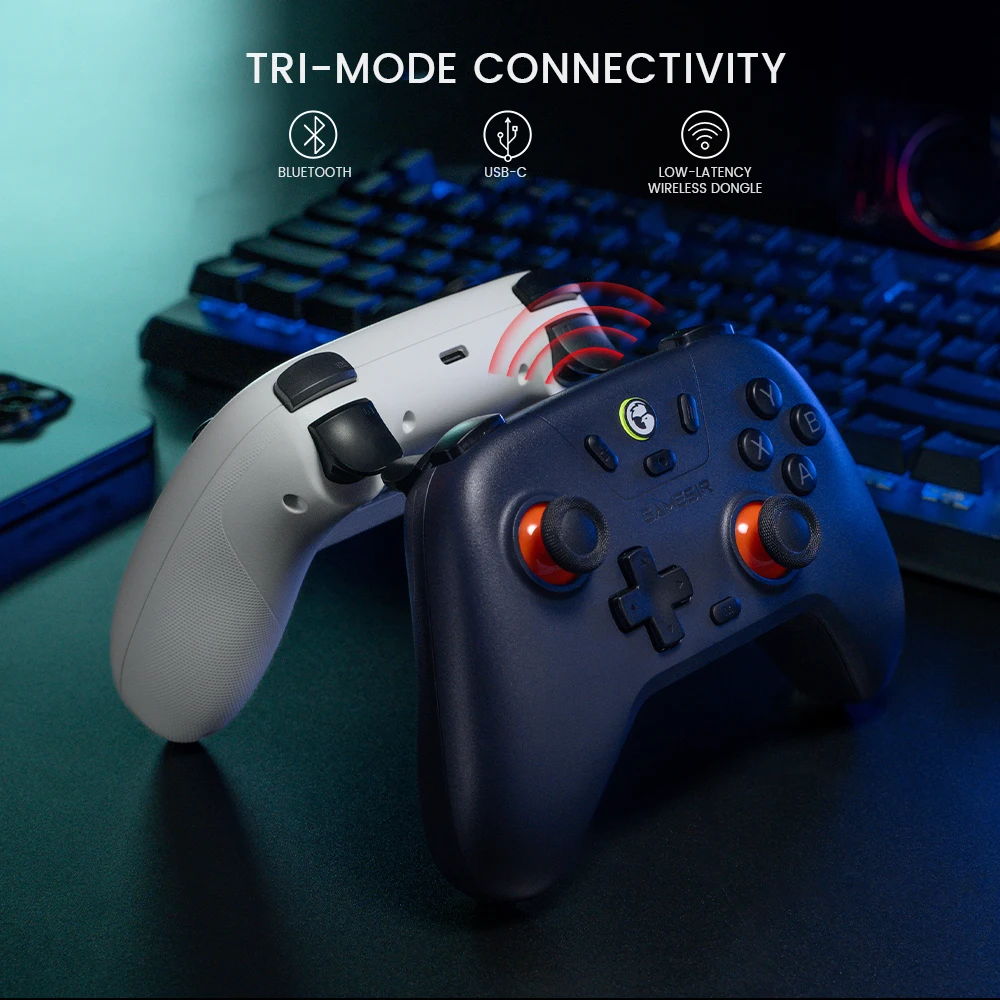
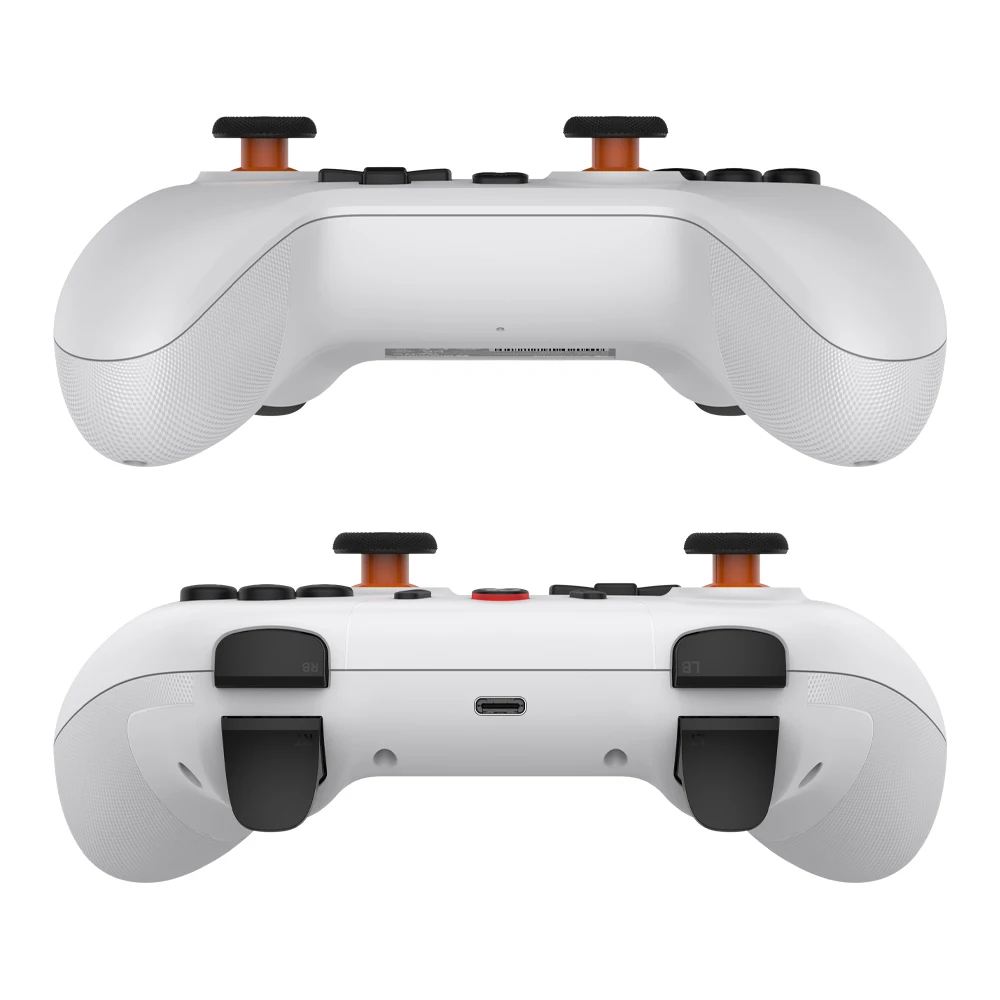
Tri-mode connectivity: Enjoy unparalleled flexibility with three connectivity options—Bluetooth, Wireless Dongle, and USB-C. Switch between devices effortlessly for a hassle-free gaming experience.
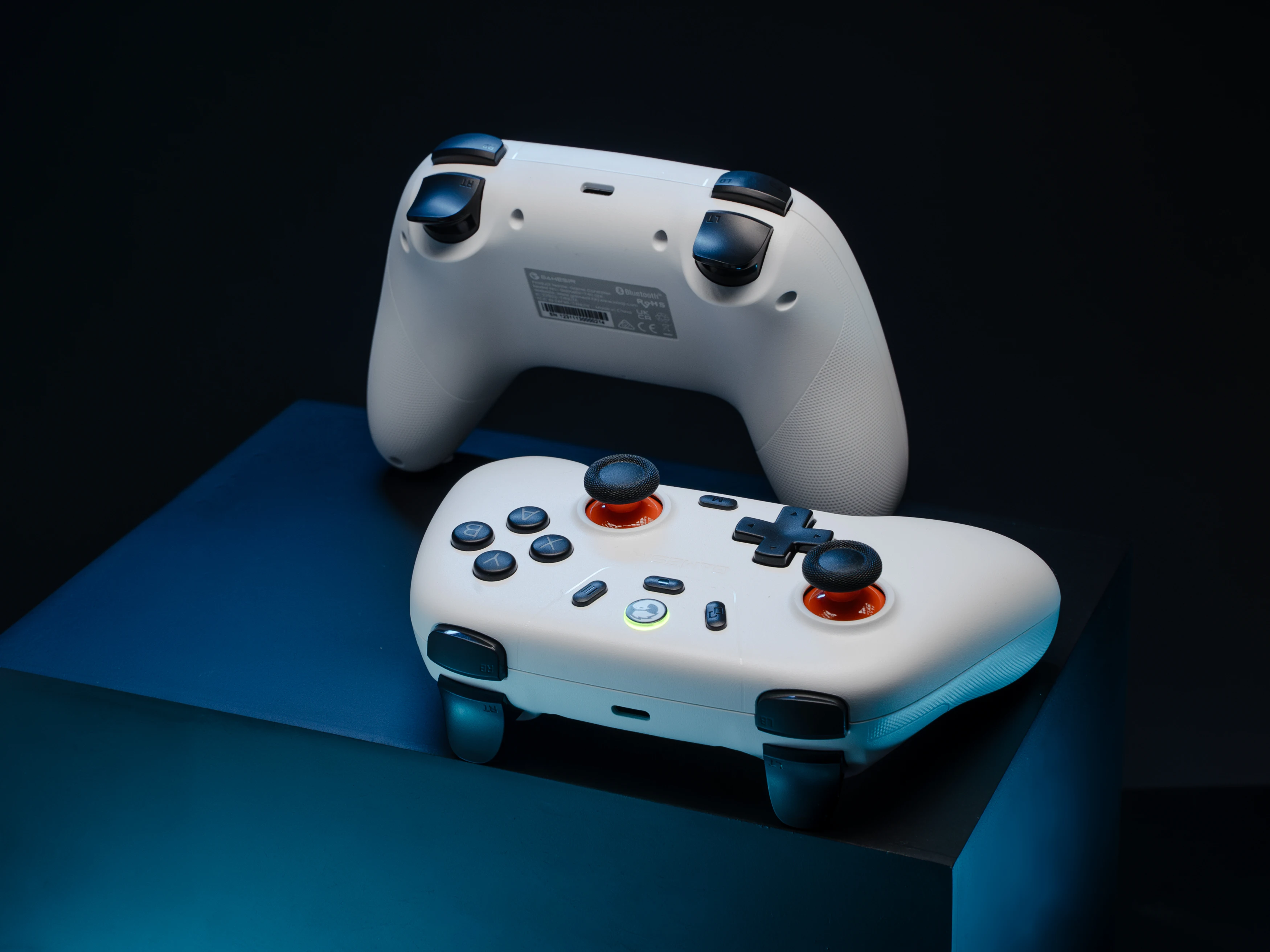
Turbo function for faster response: The Nova Lite features a 20Hz Turbo function with customizable buttons, including A/B/X/Y/LB/LT/RB/RT. Gamers can easily activate or deactivate the Turbo function by pressing the M button, providing a convenient way to enhance gameplay. Free your fingers and fully immerse yourself in the gaming experience.
Multi-function M button for convenient control: Seamlessly adjust various settings with the multi-function M button, from vibration intensity, ABXY layout to sticks’ deadzone